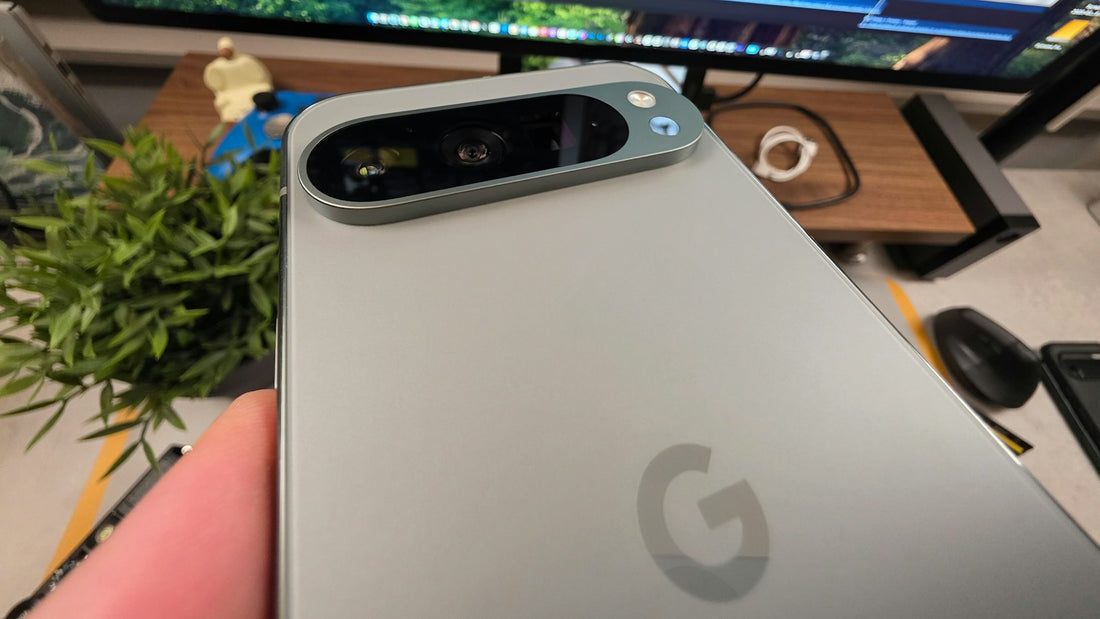
Quick answer: clean the lens with a microfibre cloth, take off the case, tap to focus and restart the camera app. If photos are still hazy, look closely at the lens cover for cracks.
1. Clean the lens
Pocket fluff and fingerprints are the cause of most blurry photos. Wipe every lens – front and back – with a clean, dry microfibre cloth. Breathe on it lightly for stubborn smudges.
2. Check the case and accessories
Cases, lens protectors and magnetic rings can partly cover a lens or interfere with stabilisation. Take them off and take a test photo.
3. Help it focus
- Tap the screen on your subject to focus.
- Move back: close-ups closer than about 10–15 cm need macro mode, which many phones switch to automatically.
- Hold still in low light, or brace your elbows.
4. Restart and switch lenses
- Close the camera app fully and reopen it.
- Restart the phone.
- Try each zoom level (0.5x, 1x, 3x and so on). If only one is blurry, black or shaky, that camera module is the problem.
- Try another camera app (for example a video call) to rule out the app.
Signs of a hardware fault
- Cracked lens cover: hazy photos, glare or a bright streak.
- Buzzing, rattling or a shaking image: damaged stabiliser – common after drops and after mounting a phone on a motorbike or scooter with strong vibration.
- Black screen on one lens after a restart.
- Dust or condensation inside the lens.
Lens covers and camera modules can be replaced separately – a cracked cover is usually a quick, low-cost fix.
Ride a motorbike or bike with your phone mounted? Use a mount with a vibration dampener – strong vibration can damage camera stabilisation.
 Walk in – no appointment
 Home visit in London
 Post it to us
 Fix it yourself
 Fix it yourself
 Fix it yourself