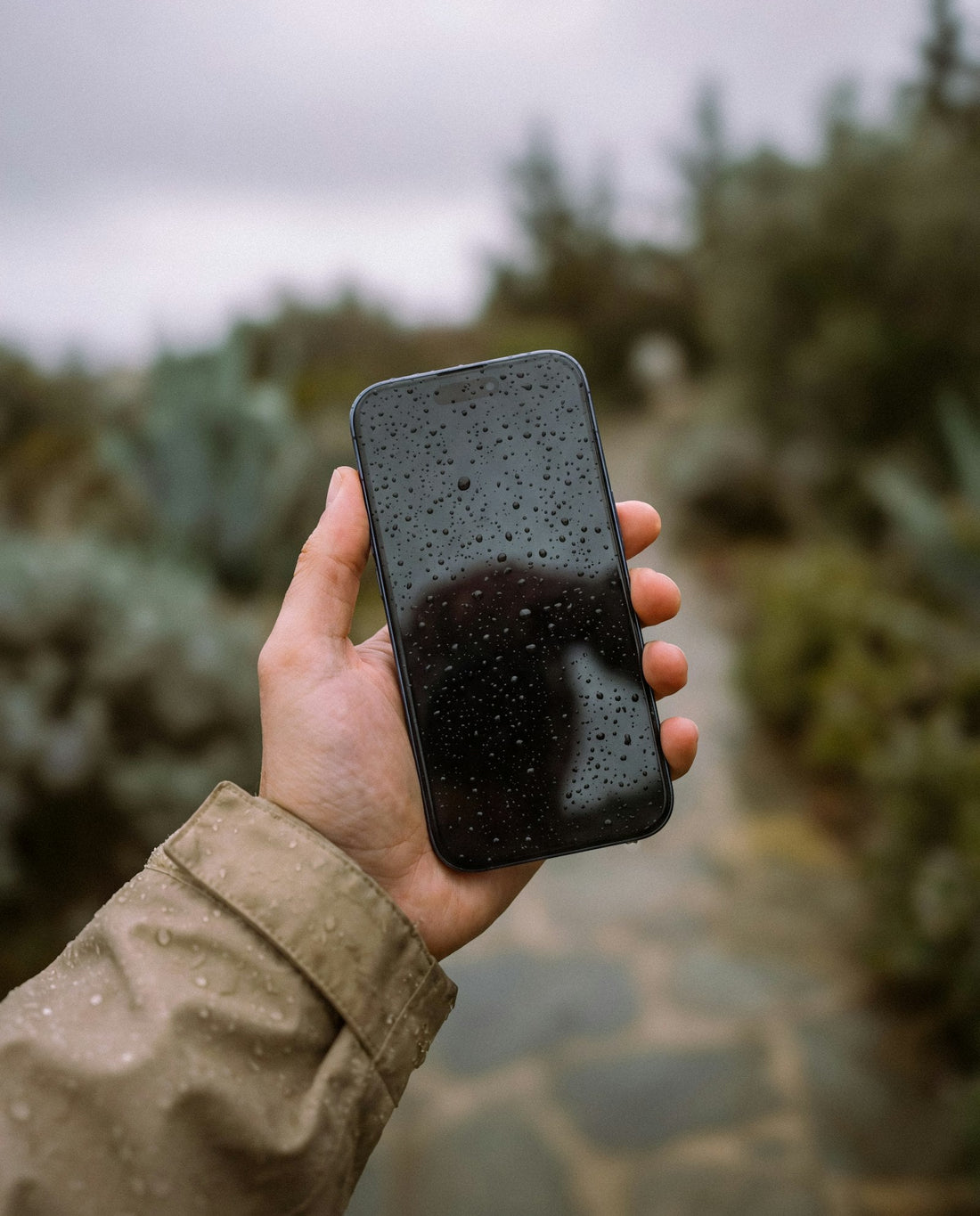
In short: rice can’t reach water inside a sealed phone, it leaves starch and dust in the ports, and it wastes the hours when a repair would help most. Air-dry it standing port-down instead.
Why rice doesn’t work
- It can’t reach the water. Phones are sealed. The water that does damage is inside, on the circuit board – rice only touches the outside.
- It leaves debris. Grains, dust and starch get into the charging port, speaker and microphone holes. Starch plus moisture is sticky.
- It’s slower than air. Tests have shown a phone dries about as well – or better – left in open, moving air.
- It delays help. Corrosion starts within hours, especially with salty or sugary liquids. Two days in rice is two days of corrosion.
Apple’s own support advice is not to put an iPhone in rice.
What to do instead
- Turn it off and don’t charge it.
- Wipe it dry and remove the case and SIM tray.
- Tap it gently, port down, against your palm.
- Stand it up, port down, in a dry room with a fan on a cool setting.
- Wait at least 24 hours before charging.
Full steps: dropped your phone in water.
What about silica gel?
Silica gel sachets (from shoe boxes) are cleaner than rice, but they still can’t dry the inside of a sealed phone. Moving air and time work just as well – and a professional clean is the only way to remove corrosion.
 Walk in – no appointment
 Home visit in London
 Post it to us
 Explained
 Fix it yourself
 Fix it yourself