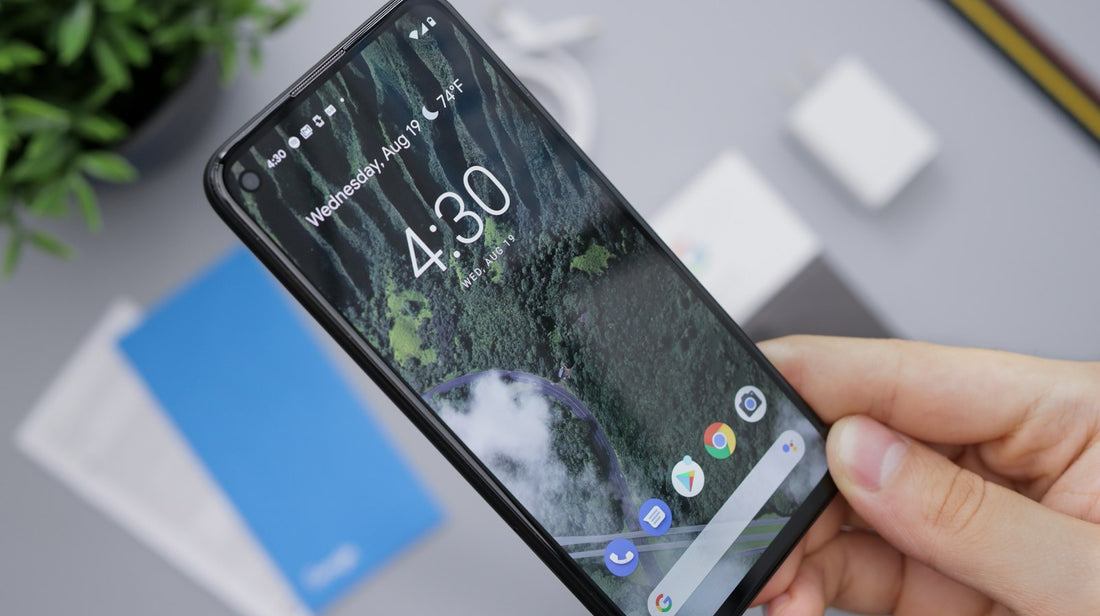
Quick answer: take the case off, turn Bluetooth off, check the app has microphone permission, then record a voice memo and a selfie video to test the bottom and front microphones separately.
1. Rule out the easy causes
- Turn Bluetooth off – the call may be using earbuds or the car.
- Remove the case and screen protector – they can cover microphone holes.
- Check you’re not muted on the call screen.
2. Test each microphone
- Bottom mic: record a voice memo or voice note, holding the phone normally. Play it back.
- Front mic: record a video with the front camera and play it back.
- Back mic: record a video with the rear camera and play it back.
If only one test is quiet or crackly, that microphone is the problem.
3. Check app permissions
- iPhone: Settings → Privacy & Security → Microphone.
- Android: Settings → Privacy → Permission manager → Microphone. Also check the microphone access toggle in Quick Settings is on.
4. Clean the microphone holes
Microphone holes are tiny – usually beside the charging port, near the rear camera and at the top. Gently brush them with a soft, dry toothbrush. Don’t push anything into them.
5. Restart and update
Restart the phone and install updates. On Android, if only one calling app is affected, clear its cache.
When it’s a repair
If the voice memo is silent, muffled or crackly with the case off and the holes clean, the microphone or the charging-port assembly it sits on is likely faulty – common after water or a dirty charging port. We can usually fix it the same day.
 Walk in – no appointment
 Home visit in London
 Post it to us
 Fix it yourself
 Fix it yourself
 Fix it yourself