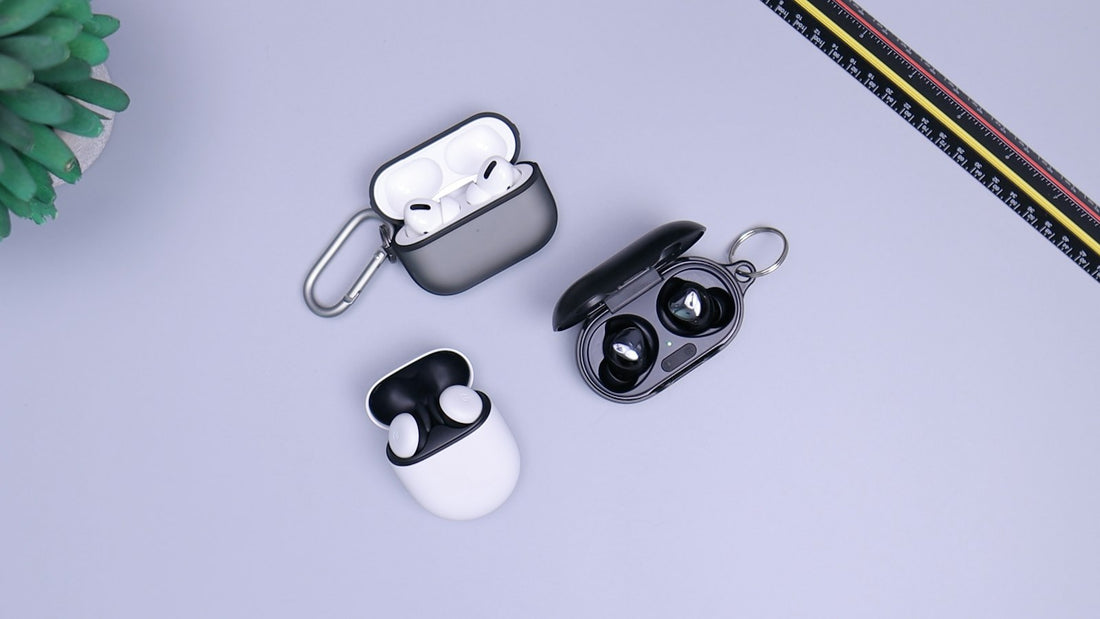
Quick answer: charge the accessory, “forget” it on your phone, put the accessory into pairing mode and pair again. If it still won’t connect, make sure it isn’t connected to another device nearby.
Step by step
- Charge the accessory. Low battery is the most common cause of dropouts.
- Turn Bluetooth off and on on your phone, then restart the phone.
- Check other devices. Earbuds often reconnect to a tablet or laptop nearby. Turn Bluetooth off on those.
- Forget the device on your phone: iPhone Settings → Bluetooth → ⓘ → Forget This Device; Android Settings → Connected devices / Connections → Bluetooth → cog → Unpair.
- Put the accessory in pairing mode. For most earbuds, put both buds in the case, open the lid and hold the button on the case until the light flashes. Check the instructions for your model.
- Select it in your phone’s Bluetooth list and pair.
Car Bluetooth
- Delete the phone from the car’s list of devices and delete the car from your phone, then pair again.
- Most cars only allow a limited number of saved phones – delete old ones.
- Allow contacts and messages access when the phone asks, or calls may not show on the car screen.
Still not working?
- Reset the accessory to factory settings (instructions are usually on the maker’s website).
- Reset network settings on your phone – see the Wi-Fi guide.
- Update your phone and, for earbuds or watches, their companion app.
If nothing will pair with your phone – earbuds, car or speaker – and Bluetooth won’t switch on, the phone may have a hardware fault. If one earbud won’t connect, see one earbud not working.
 Walk in – no appointment
 Home visit in London
 Post it to us
 Fix it yourself
 Fix it yourself
 Fix it yourself