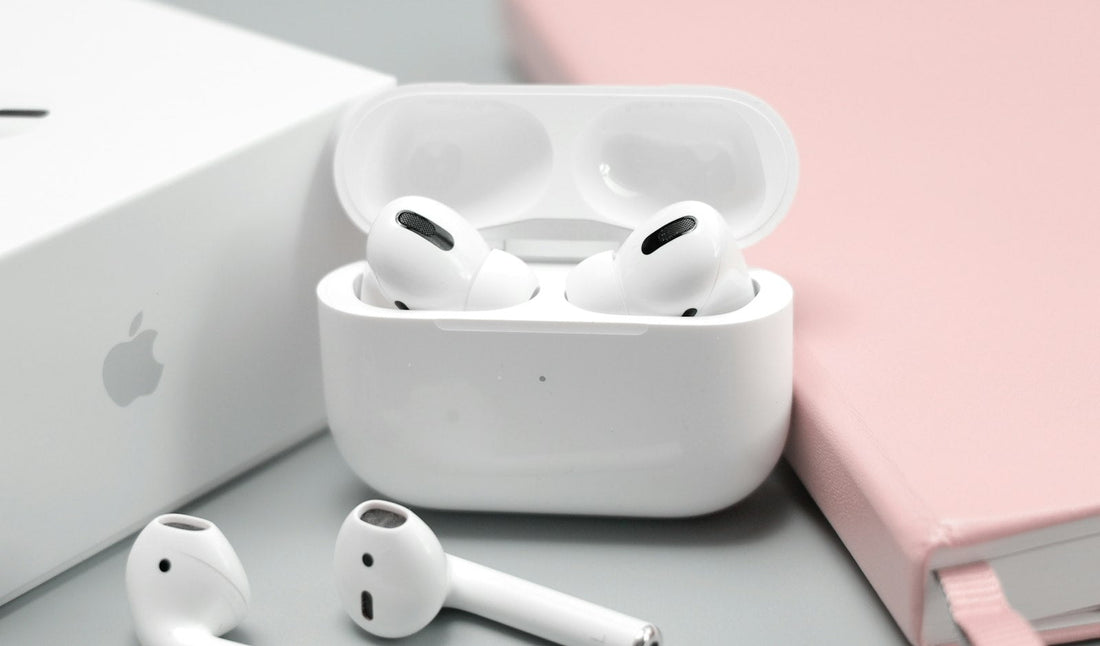
Quick answer: clean the earbud’s charging contacts and the case, check the left–right balance setting, then reset the earbuds and pair them again.
1. Clean the contacts and mesh
- Use a dry, soft, lint-free cloth or a dry cotton bud to wipe the metal contacts on the earbud and inside the case.
- Gently brush the speaker mesh with a soft, dry toothbrush to remove wax. Don’t push anything through the mesh.
- Put the earbud back in the case and check the case light shows it’s charging.
Don’t use water, sharp objects or anything wet in the speaker mesh or charging contacts.
2. Check the sound balance
A balance slider set to one side makes one earbud silent.
- iPhone: Settings → Accessibility → Audio & Visual → Balance – set to the middle.
- Android: Settings → Accessibility → audio adjustment or Left/right sound balance.
- Also turn off Mono Audio to test.
3. Reset and re-pair
- On your phone, forget the earbuds in Bluetooth settings.
- Put both earbuds in the case and close the lid for 30 seconds.
- Reset them using the button on the case (usually hold until the light flashes amber then white – check your model’s instructions).
- Pair again as new.
Still one side?
If one earbud won’t charge with clean contacts, or stays silent after a reset, its battery or speaker has likely failed. Many makers sell single replacement earbuds. Earbuds with a fault can be covered by warranty – keep your receipt. If you need a new pair, see our earbuds and headphones.
 Walk in – no appointment
 Home visit in London
 Post it to us
 Fix it yourself
 Fix it yourself
 Fix it yourself