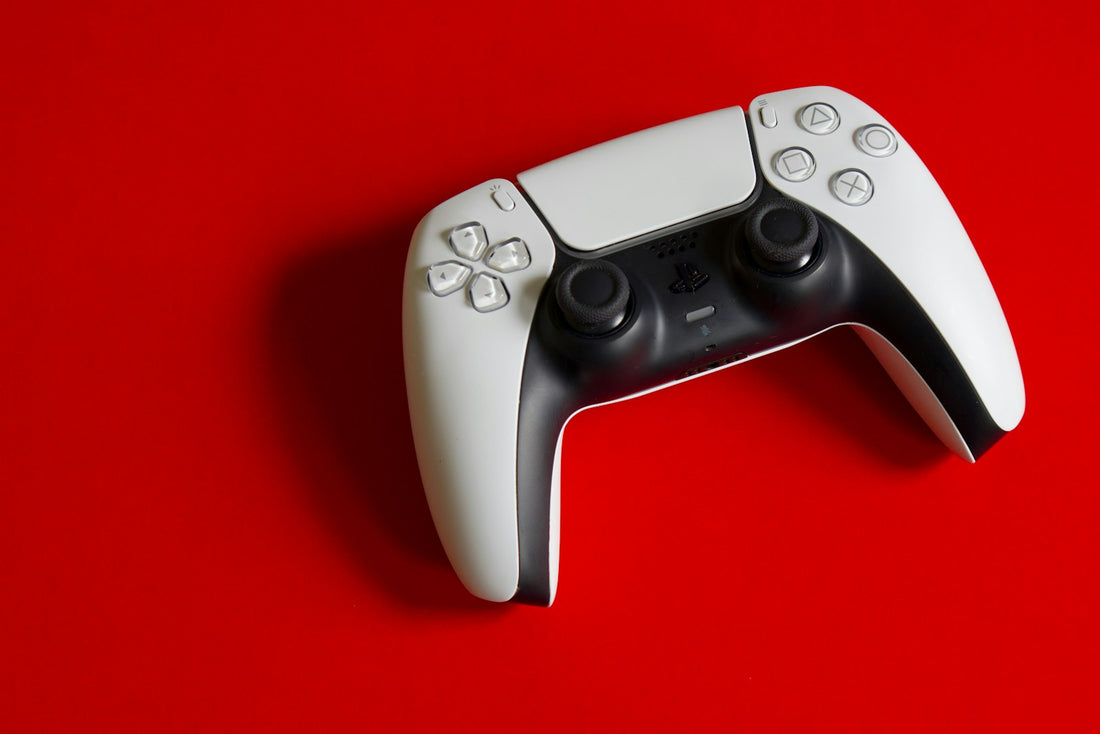
Quick answer: update the controller, reset it, and clean around the base of the sticks with a dry brush. If the stick still moves by itself, the stick module is worn and needs replacing.
What is stick drift?
Inside each thumbstick are small sensors that wear down with use. Dust and wear make the sensor report movement when you’re not touching the stick. It’s very common on PlayStation, Xbox and Switch controllers after heavy use.
Fixes to try
- Update the controller. PlayStation and Xbox controllers get firmware updates through the console settings; Switch controllers update in System Settings.
- Reset the controller. A DualShock 4 or DualSense has a small reset hole on the back – press the button inside with a straightened paper clip for 5 seconds, then reconnect with a cable.
- Recalibrate (Switch): System Settings → Controllers and Sensors → Calibrate Control Sticks.
- Clean around the stick: with the controller off, push the stick to one side and brush gently around the base with a soft, dry brush. A short puff of compressed air can help. Rotate the stick in full circles a few times.
- Increase the dead zone in the game’s settings – a workaround that ignores small drift.
Don’t spray liquids into the controller or open it with the wrong tools – clips break easily and you can damage the ribbon cables.
Sticky buttons
Sticky buttons are usually spilt drink. Turn the controller off and clean around the button with a dry brush. If the drink got inside, it needs opening and cleaning before corrosion sets in.
Repair or replace?
Replacing a worn stick module is usually far cheaper than a new official controller, especially for DualSense and Pro controllers. We repair gaming devices – bring it in for a free check.
 Walk in – no appointment
 Home visit in London
 Post it to us
 Fix it yourself
 Fix it yourself