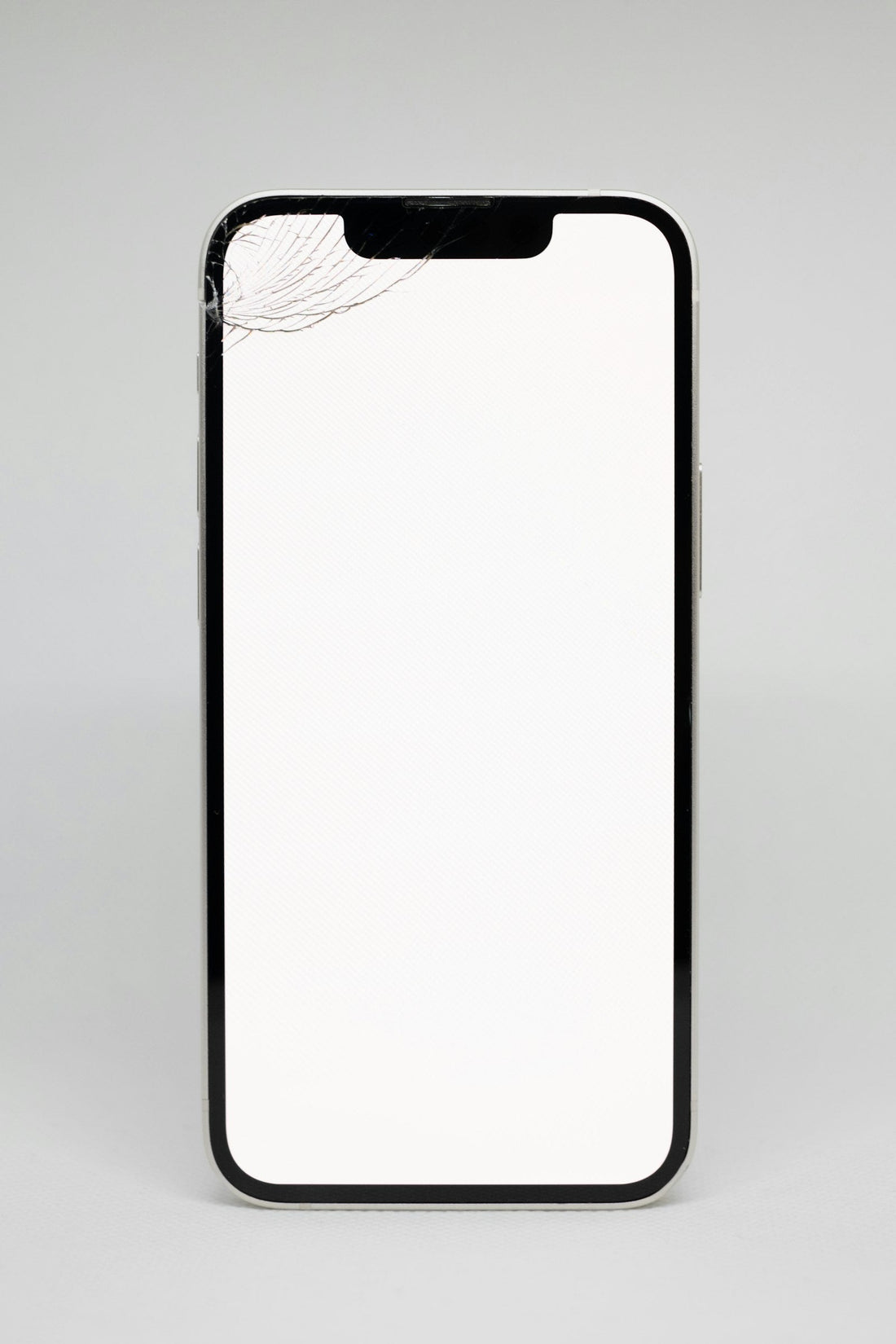
Quick answer: fit it in a steamy bathroom (less dust), clean the screen with the wet wipe then the dry cloth, lift every speck with the dust sticker, line up the earpiece cut-out first, then let the glass settle from the centre outwards.
What you need
- The screen protector for your exact model (check your model)
- Alcohol wipe, microfibre cloth and dust-removal stickers (usually in the box)
- A bank card for pushing out bubbles
Step by step
- Run a hot shower for a minute, then work in the bathroom. The steam settles dust in the air.
- Turn the phone off (so the screen doesn’t react) and take off the case.
- Wipe the screen with the alcohol wipe, then dry it straight away with the microfibre cloth.
- Hold the screen up to the light at an angle. Lift every speck of dust with a dust sticker.
- Peel the backing off the protector, holding it by the edges only.
- Line up the top cut-out with the earpiece and front camera, and the sides evenly.
- Lower it and press gently in the centre only. Watch it spread out by itself.
- Push small bubbles to the nearest edge with the card wrapped in the cloth.
- Put the case back on and leave it for an hour – tiny bubbles often vanish on their own.
A trapped speck of dust? Lift that corner with a piece of tape, touch the dust with a dust sticker, and lower it again.
Why use one?
A tempered glass protector takes the scratches and cracks that would otherwise land on your screen – a few pounds against a screen repair. Every online case order from us comes with a free screen protector for your model, and every screen repair includes one fitted for you.
 Walk in – no appointment
 Home visit in London
 Post it to us
 Explained
 Fix it yourself
 Fix it yourself