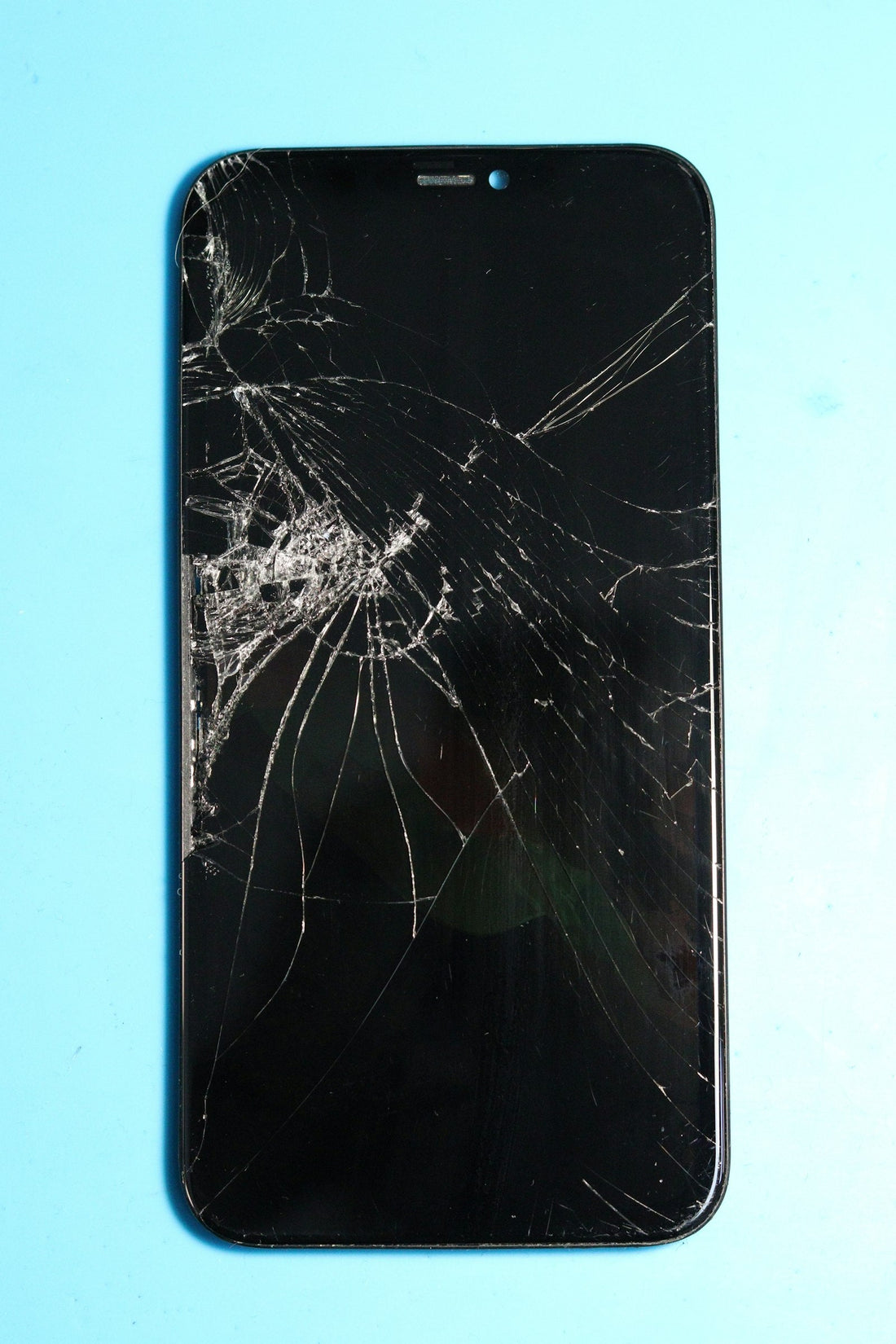
In short: most modern phones use an OLED screen. A replacement OLED looks and behaves like the original; a cheaper LCD replacement works well but is a little thicker, less bright and uses more battery. We’ll show you the options for your model before you choose.
Why you replace the whole screen
On modern phones the glass, the touch layer and the display are bonded together into one part. You can’t safely replace just the glass at a counter, so a screen repair replaces the whole front assembly.
The screen types
| Type | Good to know |
|---|---|
| Original (genuine) screen | Made for the manufacturer. Best colours, brightness and battery use. Usually the most expensive. |
| OLED replacement | Same technology as the original. True blacks, thin, efficient. Very close to original. |
| LCD replacement (budget) | Lower price. Slightly thicker, less vivid, can use a bit more battery. Fine for older phones or a tight budget. |
For iPhone, our Budget LCD option isn’t covered by the 1-year warranty – every other screen option is.
What happens in the shop
- We check the phone with you, confirm the price and the screen type you’ve chosen.
- We warm the adhesive and lift the old screen with proper tools, disconnecting the battery first.
- Parts like the earpiece and sensors are moved over where needed.
- The new screen is fitted and sealed with fresh adhesive.
- We test touch, brightness, Face ID or fingerprint, the front camera and the earpiece with you.
Most phone screens take about 30 minutes. Foldables take longer – usually 1–3 working days.
Things to know
- Your data stays on the phone, but back up anyway.
- iPhones may show a message that the display can’t be verified as genuine Apple. True Tone can usually be kept – ask us.
- Opening the phone affects its factory water seal. We reseal it, but treat it as less water-resistant.
- Every screen repair comes with a free screen protector.
 Walk in – no appointment
 Home visit in London
 Post it to us
 Explained
 Fix it yourself
 Fix it yourself