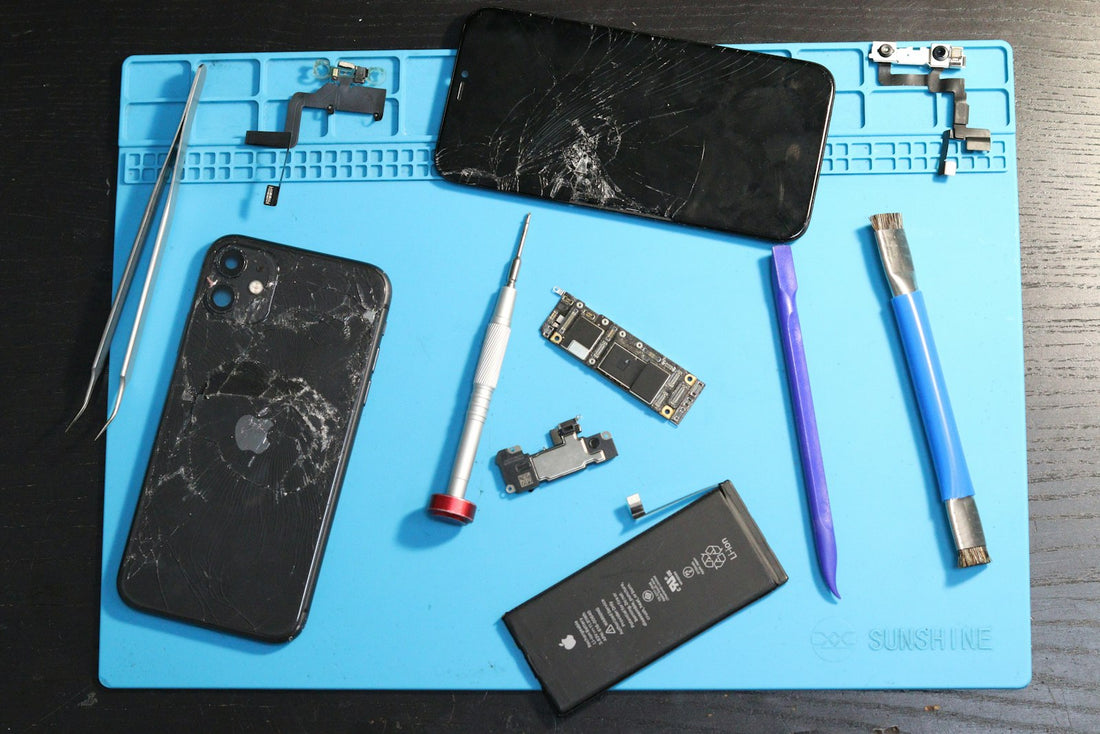
In short: if your battery health is around 80% or lower, the phone shuts down with charge left, or it barely lasts half a day, a new battery is usually the cheapest way to make the phone feel new again. It typically takes 1–2 hours, and your data stays on the phone.
Signs you need a new battery
- Battery health at or below about 80%, or a “Service” message on iPhone.
- The phone switches off at 20–30%, especially in the cold.
- The percentage jumps around – 40% to 10% in minutes.
- It only works when plugged in.
- The phone feels slower than it used to (iPhones can slow down to prevent shut-downs on a worn battery).
Check yours first: how to check battery health.
What happens during a replacement
- Free check: we test the battery and confirm it’s the cause – and the price – before starting.
- Opening: modern phones are sealed with adhesive. We warm and carefully separate the screen or back glass with proper tools.
- Disconnecting: the battery is disconnected first so nothing can short.
- Removal: the old battery is held in with stretch-release adhesive strips. We remove it without bending or puncturing it.
- New battery and seal: the new battery is fitted and the phone is resealed with fresh adhesive.
- Testing: we check charging, battery readings and every other function with you before you leave.
Please don’t try this at home. A bent or punctured lithium battery can catch fire in seconds, and screens are easy to crack when opening.
Things to know
- Your data: stays on the phone. We still recommend a backup before any repair.
- Water resistance: opening any phone affects its original water seal. We fit new adhesive, but treat the phone as less water-resistant than when new.
- iPhone messages: some iPhones show an “unknown part” or “unable to verify” notice after a battery change by a shop that isn’t Apple. It doesn’t affect how the battery works; we explain this before we start.
- Warranty: our battery replacements come with our 1-year repair warranty.
Is it worth it?
For most phones less than five or six years old, yes – a battery costs a fraction of a new phone and can give you another couple of years of use.
 Walk in – no appointment
 Home visit in London
 Post it to us
 Fix it yourself
 Fix it yourself
 Fix it yourself