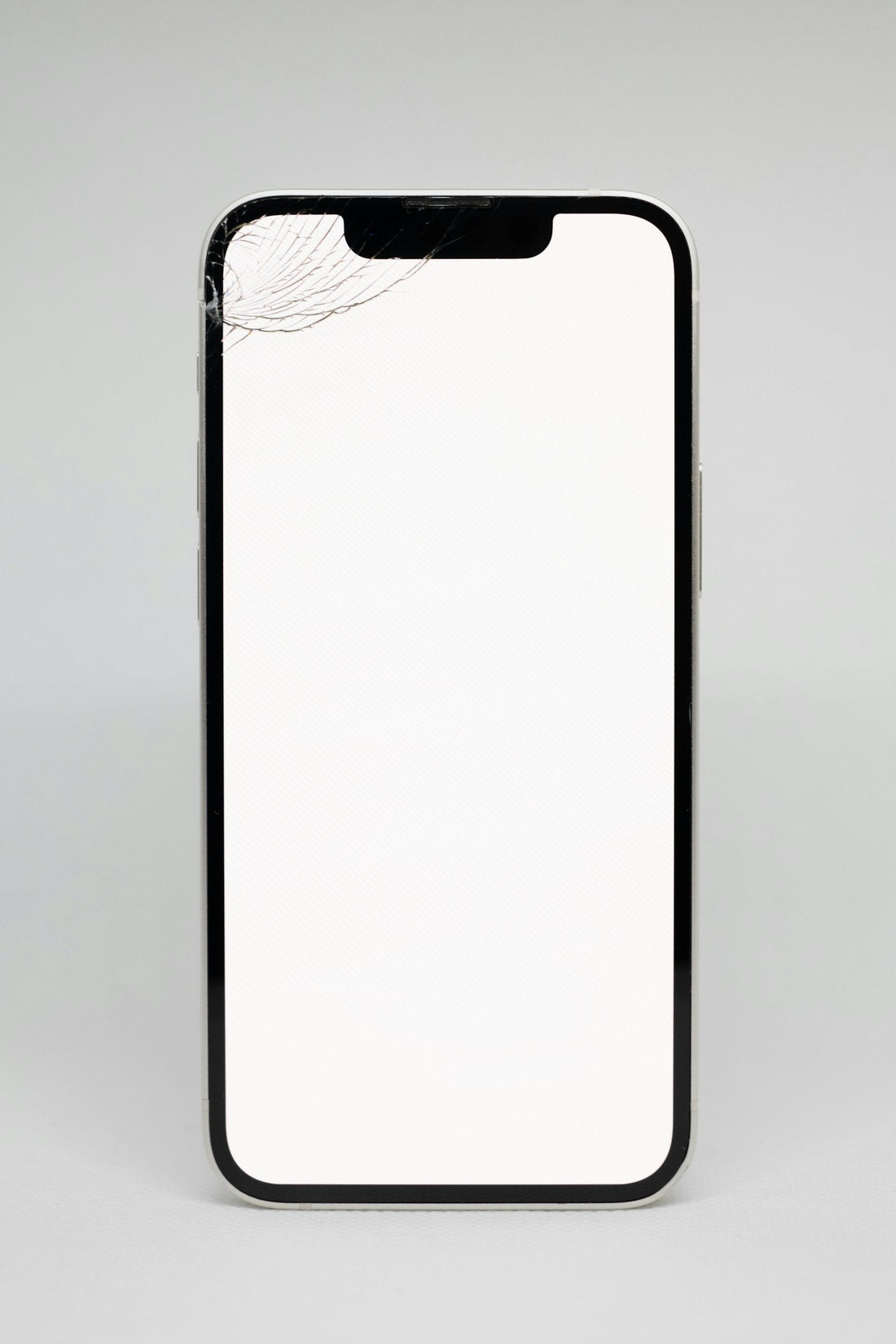
Quick answer: charge it for 30 minutes on a known-good charger, then force restart it. If it vibrates, rings or lights up when plugged in but the screen stays black, the phone is probably fine and the screen needs repair.
1. Charge it properly
- Use a charger and cable you know work with another phone.
- Plug into a wall socket and leave it for at least 30 minutes.
- Look for a battery icon. If it appears, leave it charging longer before trying to turn it on.
2. Force restart
A frozen phone can look switched off. A force restart works even when the screen is black.
iPhone 8 and later
Press and release volume up, press and release volume down, then hold the side button for 10–20 seconds until the Apple logo appears.
Samsung
Hold side button + volume down together for about 10 seconds. Keep holding if nothing happens at first.
Google Pixel
Hold the power button for about 30 seconds.
See all models in how to force restart any phone.
3. Is it the phone or the screen?
Try these clues:
- Call the phone from another phone. Does it ring or vibrate?
- Plug it in. Does it make a sound or vibrate?
- Press the volume buttons – do you hear clicks?
- Shine a torch at the screen at an angle. Can you faintly see the lock screen?
If yes to any of these, the phone is on and the screen or its connection has failed – often after a drop. A screen repair usually brings it back with all your data intact.
4. Was it wet or dropped?
If the phone got wet, don’t keep trying to charge it – follow what to do when your phone gets wet. If it was dropped, the battery connector or screen may have been knocked.
If the phone feels hot while switched off, or the screen is bulging, stop – see swollen battery warning signs.
Bring it in
We diagnose phones that won’t turn on free. Common fixes are a new battery, a new screen or a charging port – and we’ll always try to save your data.
 Walk in – no appointment
 Home visit in London
 Post it to us
 Explained
 Fix it yourself
 Fix it yourself