Good to know: a force restart doesn’t delete your photos, messages or apps. It’s the same as pulling the battery out on an old phone.
iPhone
| Model | How to force restart |
|---|---|
| iPhone 8, SE (2nd/3rd gen), X and later – including iPhone 16 and 17 | Press and release volume up. Press and release volume down. Then press and hold the side button until the Apple logo appears (10–20 seconds). Keep holding even if the “slide to power off” screen appears. |
| iPhone 7 and 7 Plus | Hold volume down and the side button together until the Apple logo appears. |
| iPhone 6s and SE (1st gen) | Hold the Home button and the side or top button together until the Apple logo appears. |
Samsung Galaxy
Press and hold the side button and volume down together for 10 seconds or more, until the screen goes black and the Samsung logo appears. On older Galaxy models with a separate Bixby button, use power + volume down.
Google Pixel
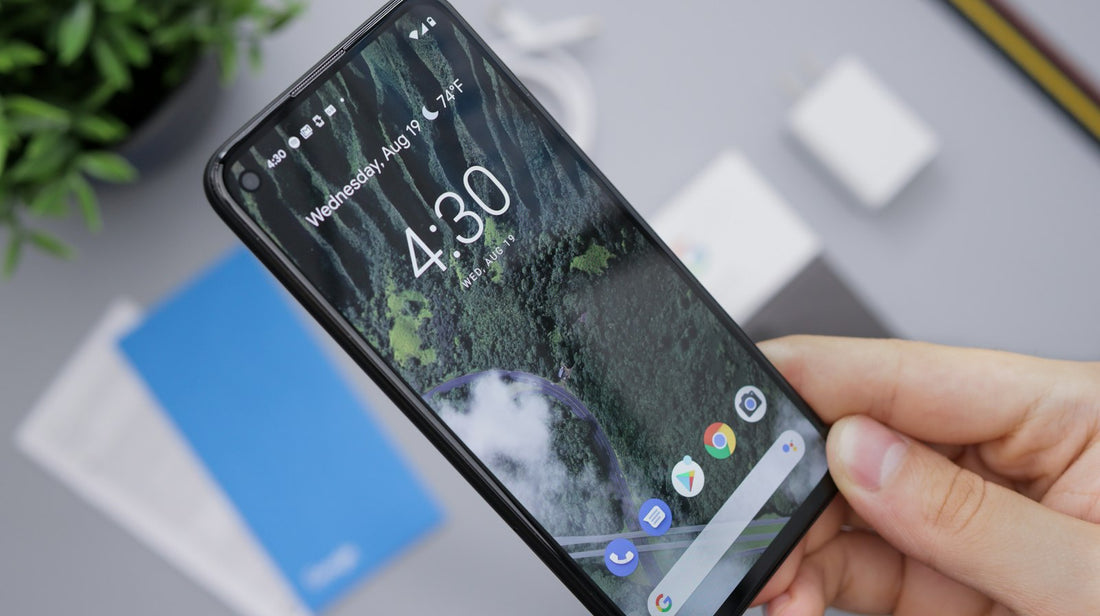
Press and hold the power button for about 30 seconds, until the phone restarts. If that doesn’t work, hold power + volume up for a few seconds and choose Restart.
Galaxy Z Fold and Flip
Hold the side button (with the fingerprint reader) and volume down for about 10 seconds.
Nothing happens?
- Charge for 30 minutes on a known-good charger, then try again.
- Make sure you’re pressing the buttons firmly – thick cases can block them. Take the case off.
- If the phone vibrates or rings but the screen stays black, the screen has probably failed – see phone won’t turn on.
 Walk in – no appointment
 Home visit in London
 Post it to us
 Explained
 Fix it yourself
 Fix it yourself