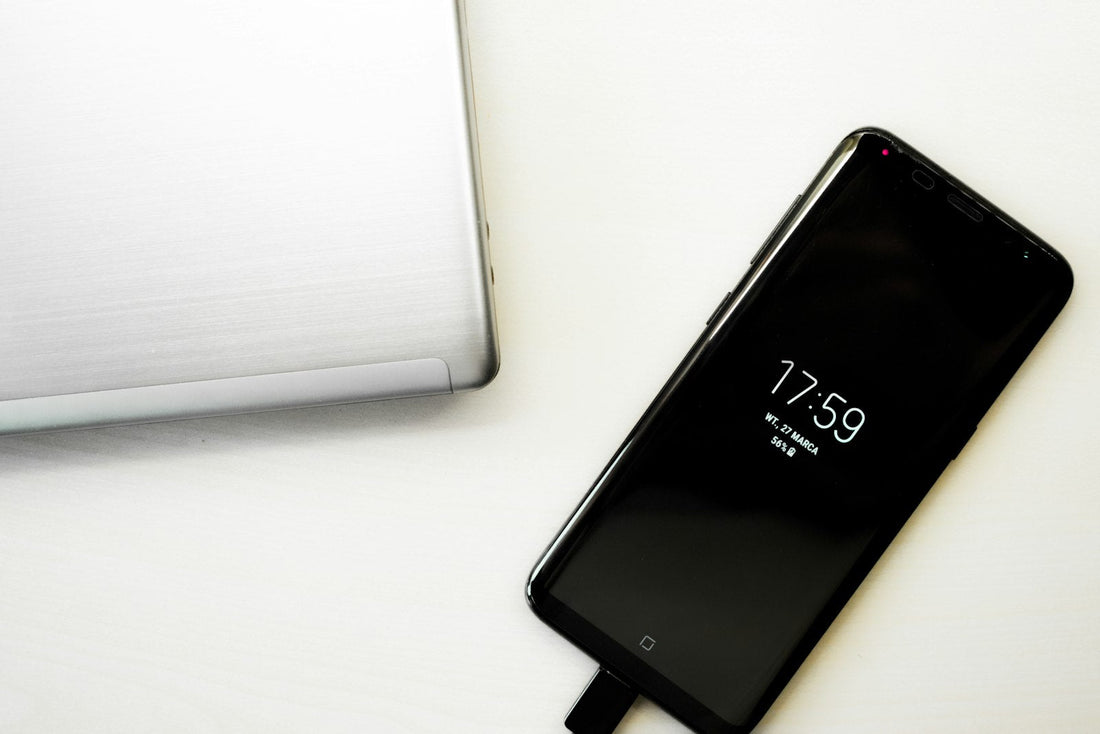
Quick answer: take the phone out of its case, centre it on the pad, use the plug that came with the charger and remove anything metal (cards, rings, magnets). If it still won’t charge but cable charging works, the charging coil may need repair.
1. Check your phone supports it
Wireless charging works on iPhone 8 and later, Samsung Galaxy S and Z models and most Pixels. Many Galaxy A models don’t have wireless charging at all – check your model.
2. Get the position right
- Remove the case, especially thick, wallet or metal-plated cases.
- Place the phone face up, centred on the pad. On flat pads, the coil is usually just below the middle of the phone’s back.
- Watch for the charging icon or sound, then leave it still – vibrations from notifications can shift it off the coil.
3. Check the charger’s power
Wireless pads need a decent plug. Use the plug the pad came with, or a 20W+ USB-C plug. A pad plugged into a laptop or old 5W plug may charge very slowly or not at all.
4. Remove anything metal
Bank cards, building passes, magnetic mounts and pop-sockets with metal plates block wireless charging – and the heat can damage cards. MagSafe wallets must come off first.
5. Let it cool
Wireless charging creates more heat than a cable. If the phone is warm, it will pause charging until it cools. Charge somewhere airy, not on a bed or sofa.
6. Check the setting (Samsung)
Make sure Wireless charging isn’t switched off in Settings → Battery → Charging settings.
If the back glass is cracked, don’t use wireless charging. Cracks can let moisture reach the coil and the glass can get hot.
When it’s a repair
If cable charging works perfectly but wireless doesn’t work on two different pads, the wireless charging coil or its connection is likely damaged – often after a drop or back glass crack. See cracked back glass explained.
 Walk in – no appointment
 Home visit in London
 Post it to us
 Explained
 Fix it yourself
 Fix it yourself