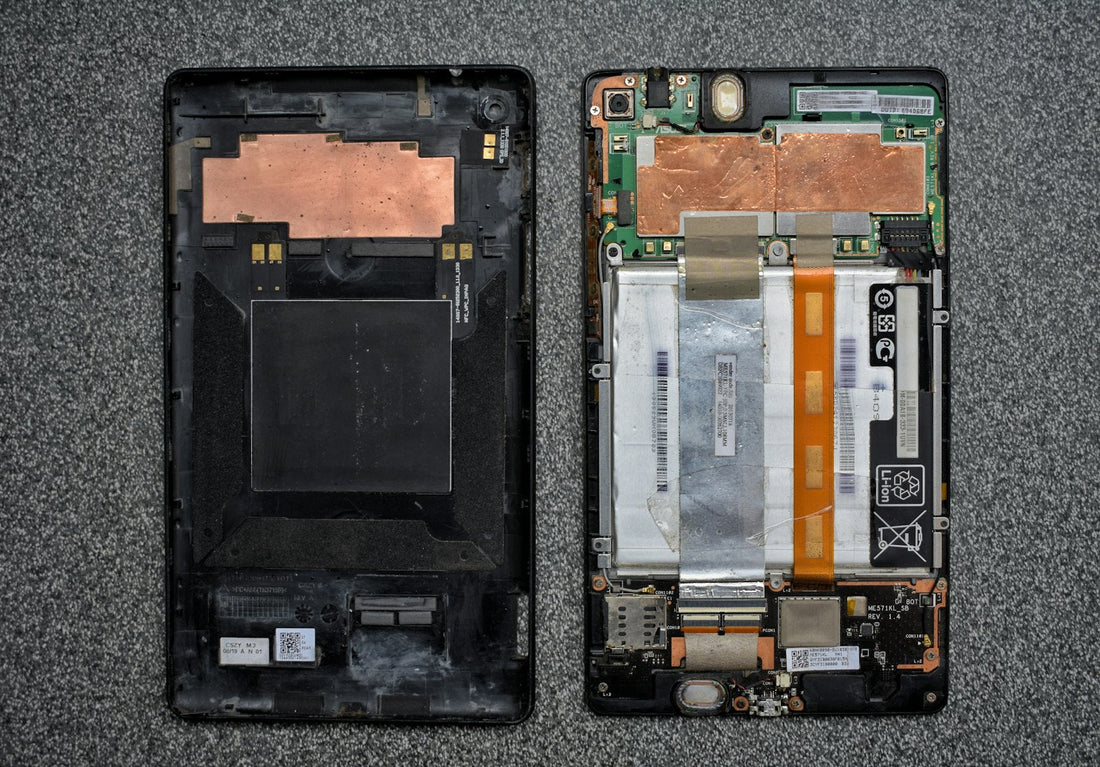
If your device is hot, hissing, smoking or smells of burning: don’t touch it with bare hands if you can avoid it, move people away, and if it catches fire call 999. Don’t try to put a lithium battery fire out with a small amount of water.
Warning signs
- The screen is lifting away from the frame, or there’s a gap at one edge.
- The back glass is cracked or bulging with no obvious drop.
- The phone rocks when you lay it flat on a table.
- The touchscreen presses itself or shows a pale patch.
- On a laptop: the trackpad is hard to click or the base no longer sits flat.
What to do now
- Stop charging it and unplug it.
- Turn it off if it will turn off normally.
- Don’t press on it, squeeze it back into place, or put it in a tight case or pocket.
- Never puncture or open it – a punctured lithium battery can catch fire within seconds.
- Put it on a hard, non-flammable surface (a ceramic plate or tiled floor), away from bedding, paper and curtains.
- Bring it to a repair shop as soon as you can.
Don’t post a device with a swollen battery. Damaged lithium batteries aren’t allowed in the post. Bring it into our Sutton shop instead, or book a home visit in London.
Why batteries swell
As lithium-ion batteries age, are overcharged by a faulty charger, get too hot or are physically damaged, gas can build up inside the sealed pouch. The pouch swells like a pillow. It won’t go back down, and it doesn’t get better – the only safe fix is a new battery.
Can I get my data off?
Usually, yes. If the phone still turns on, back it up first – but only if it isn’t hot. If the battery is badly swollen, we can replace it first and then you can back up safely.
Getting rid of an old battery
Never put lithium batteries in your household bin – they cause fires in bin lorries. Take them to a battery recycling point. When we replace a battery, we recycle the old one for you.
 Walk in – no appointment
 Home visit in London
 Post it to us
 Explained
 Fix it yourself
 Fix it yourself