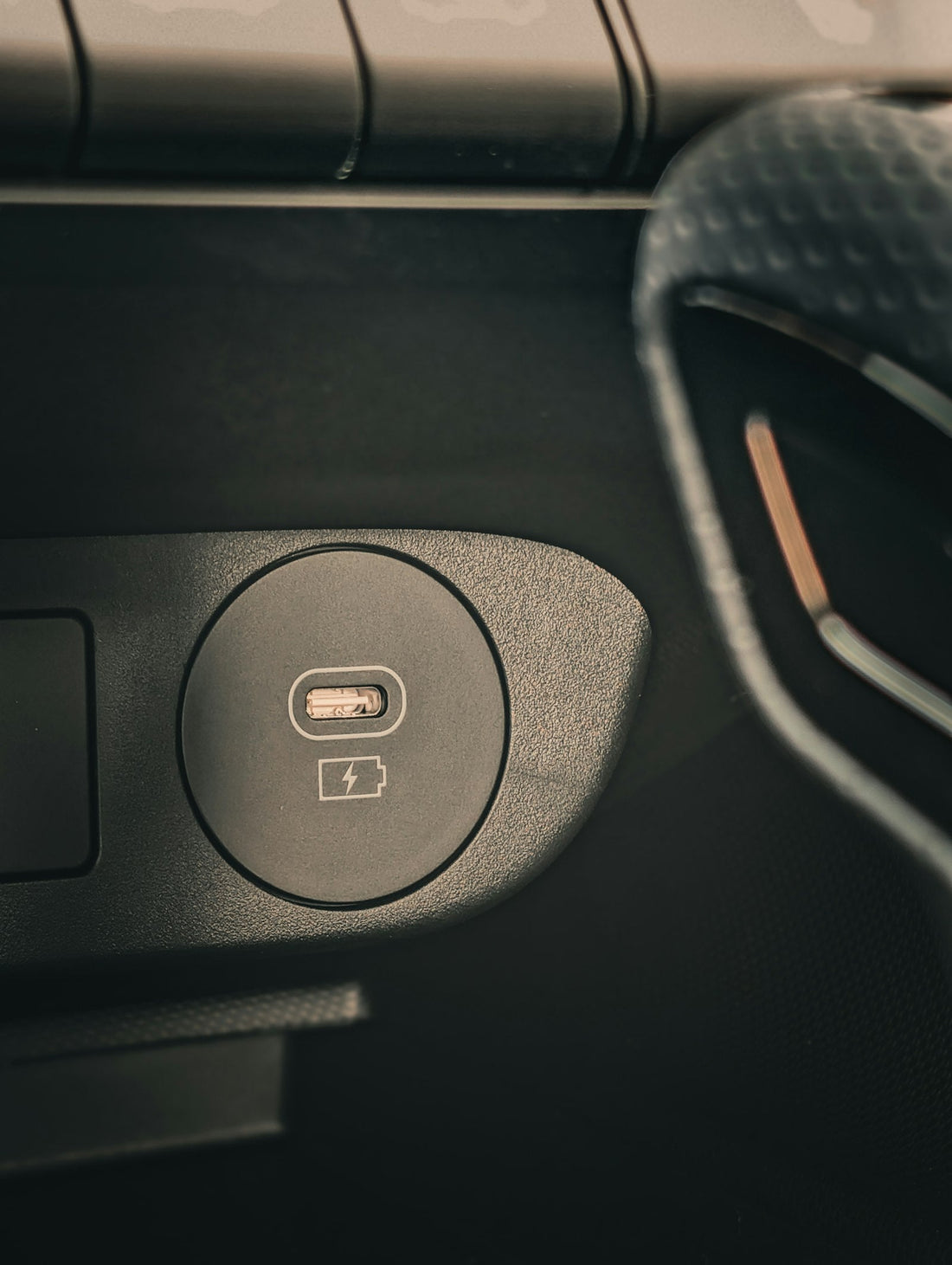
Quick answer: turn the phone off, then gently lift fluff out with a wooden toothpick or a plastic SIM-free tool, working along the walls – never press on the contacts in the middle. Finish with a short puff of air.
Signs your port needs cleaning
- The cable doesn’t click in, or sticks out slightly.
- Charging starts and stops when you move the phone.
- It only charges at a certain angle.
- You can see grey fluff when you shine a torch inside.
What you need
- A torch (another phone’s torch is fine)
- A wooden toothpick or a plastic dental pick
- Optional: a blower bulb or can of compressed air
Never use metal – pins, needles, paper clips or a SIM tool. Metal can scratch the contacts or short the port, turning a free fix into a repair.
Step by step
- Turn the phone off and remove the case.
- Shine the torch into the port so you can see the back wall.
- Slide the toothpick in along the side wall of the port, not the centre. In a USB-C port, the middle “tongue” holds the contacts – keep away from it.
- Gently scrape towards you to lift the fluff out. It often comes out as a compressed grey pad.
- Repeat on the other side wall. Go slowly – a few light passes are better than one hard push.
- Give the port a short puff of air (hold any can upright, at least a few centimetres away).
- Turn the phone on and try the cable. It should click in firmly.
If the port is wet, has a green or white crust (corrosion), or the cable still feels loose after cleaning, stop. Corrosion and worn contacts need a technician.
Keep it clean
- Keep the phone in a pocket on its own, port facing up if you can.
- Check the port with a torch every few months.
- A case with a port cover helps on building sites and at the beach.
Not confident doing it yourself? Pop into our Sutton shop – we check and clean charging ports while you wait.
 Walk in – no appointment
 Home visit in London
 Post it to us
 Explained
 Fix it yourself
 Fix it yourself