Quick answer: turn the phone off, unplug it and wipe it with a soft, slightly damp microfibre cloth or a 70% isopropyl alcohol wipe. Keep moisture out of every opening, and never spray anything directly onto the phone.
The screen and body
- Turn the phone off, unplug it and take off the case.
- Wipe gently with a soft, lint-free microfibre cloth.
- For germs or grease, use a 70% isopropyl alcohol wipe or a cloth lightly dampened with it. Wring it so it isn’t dripping.
- Dry it straight away with a clean, dry cloth.
Don’t use bleach, kitchen sprays, window cleaner, abrasive powders or compressed air directly into the phone. Don’t submerge it, even if it’s water-resistant.
Ports, speakers and microphones
- Charging port: follow how to clean your charging port safely – a wooden toothpick, never metal.
- Speaker and mic holes: a soft, dry toothbrush or a little Blu Tack pressed on and peeled off. Never push anything into the holes.
Cases
- Silicone and clear cases: take the case off the phone, wash it in warm soapy water, rinse and let it dry completely before putting it back.
- Leather and wallet cases: a dry or barely damp cloth only.
- Yellowed clear cases can’t be fully whitened – that’s ageing of the material. A new case is the fix: find yours.
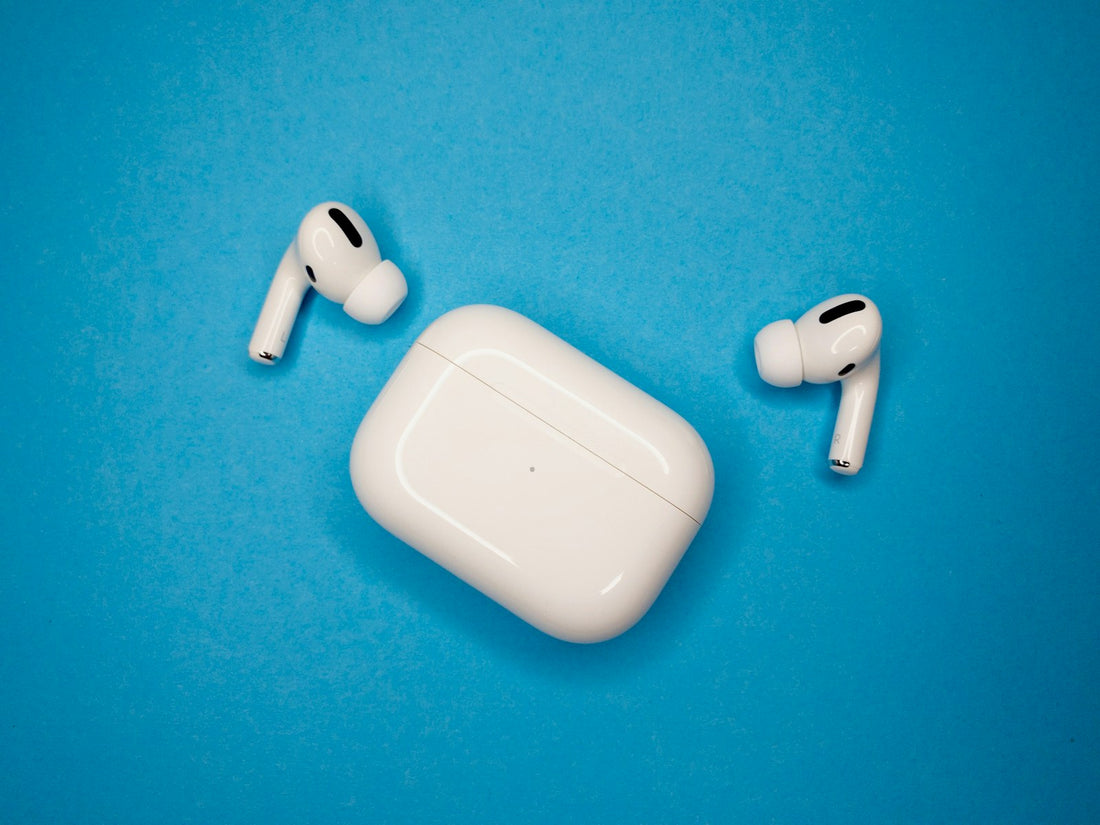
Earbuds and their case
- Brush the speaker mesh with a soft, dry toothbrush to lift wax.
- Wipe the outside with a slightly damp cloth or alcohol wipe, avoiding the mesh openings.
- Clean the charging contacts on the buds and inside the case with a dry cotton bud.
- Let everything dry fully before charging.
A quick wipe once a week and a port check every few months prevents most charging and sound problems we see in the shop.
More habits: 10 habits that help your phone last longer.
 Walk in – no appointment
 Home visit in London
 Post it to us
 Fix it yourself
 Safety first
 Explained