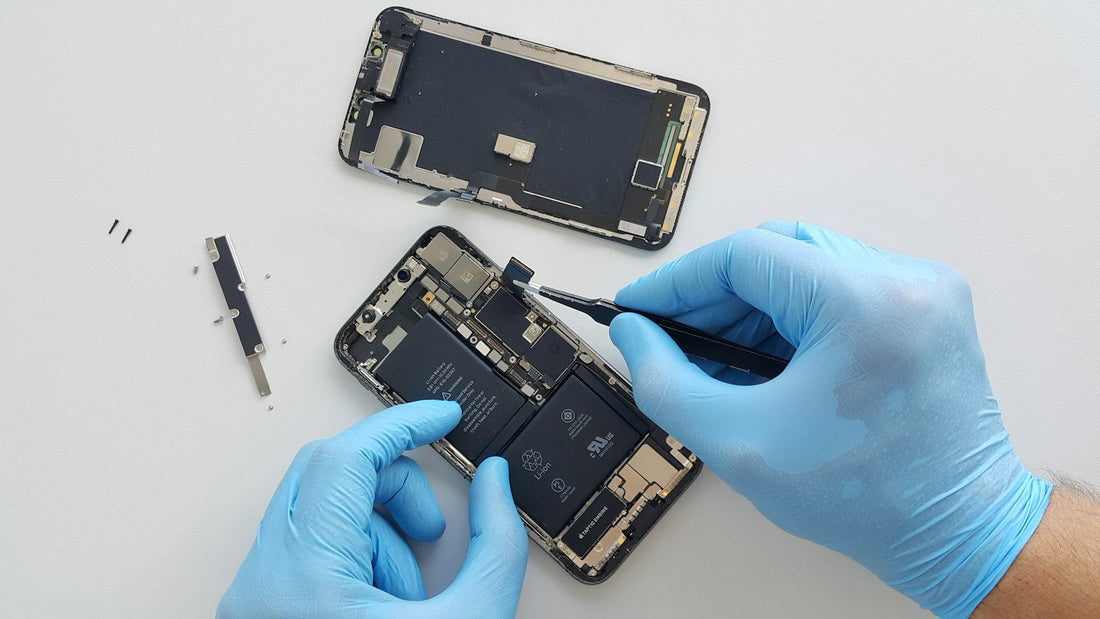
In short: a good case and glass protector, gentle charging habits, a clean port and regular backups prevent most of the repairs we see.
- Use a case with raised edges. The lip around the screen and cameras takes the impact of most drops. Choosing a case.
- Fit a tempered glass screen protector. It cracks so your screen doesn’t. Fitting one without bubbles.
- Keep it cool. Heat is the battery’s biggest enemy. Don’t leave it on the dashboard, in the sun or under your pillow while charging.
- Turn on charging optimisation. Optimised Battery Charging or the 80% limit (iPhone), Battery protection (Samsung) and Adaptive charging (Pixel) slow battery wear.
- Use good chargers and cables. Very cheap chargers can damage the charging chip and port. Which charger do I need?
- Keep the port clean. Check it with a torch every few months. How to clean it.
- Keep it dry. No phones in the bathroom, and never charge a wet phone.
- Keep 10–15% storage free so it stays fast. Free up space.
- Install updates for security fixes and bug fixes.
- Back up automatically. A phone can be replaced; your photos can’t. Set up backups.
Small fix now, big saving later
A cracked camera lens, a small screen crack or a loose charging cable is cheap to fix today and expensive to ignore. Every visit to our Sutton shop includes a free check, and our London home visits include a free phone health check and clean.
 Walk in – no appointment
 Home visit in London
 Post it to us
 Safety first
 Fix it yourself
 Fix it yourself