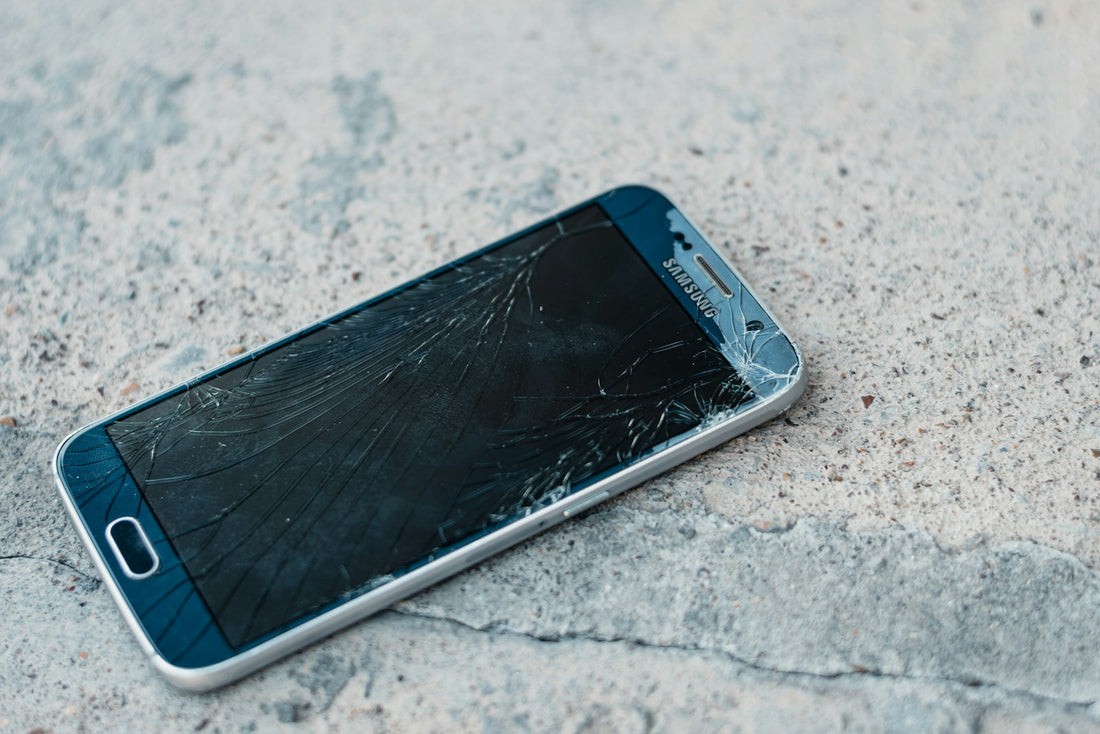
Quick answer: back up the phone now, cover the crack with clear tape or a screen protector to stop glass splinters, keep it dry, and get it repaired before the crack spreads into the display underneath.
1. Check for sharp glass
Run your thumb gently over the crack. If you feel raised edges or tiny splinters, cover the screen with a layer of clear packing tape or a cheap screen protector before using it. Glass splinters in fingertips are common and painful.
2. Back up straight away
A cracked screen can stop responding to touch without warning – then you can’t unlock the phone to save your photos. Back up today: how to back up your phone.
3. Keep it dry
A crack breaks the seal that keeps water out. Avoid rain, bathrooms and the kitchen sink until it’s repaired. Even phones sold as water-resistant aren’t once the glass is cracked.
4. Work out what is damaged
| What you see | What it usually means |
|---|---|
| Cracks, but the picture and touch are perfect | Only the glass is damaged – fix it before it spreads. |
| Black or coloured blots, or green/purple lines | The display under the glass is damaged – it will usually spread. |
| Touch not working in places, or “ghost” taps | The touch layer is damaged. |
| Screen black but phone rings | Display or connection failure – data is usually safe. |
5. Don’t keep pressing
Pressing hard on a cracked area makes it spread. If part of the screen won’t respond, use another part or connect a keyboard or earphones to get by until it’s fixed.
Don’t use glue, nail varnish or “screen repair” liquids on a cracked phone. They don’t fix the glass and can make a professional repair harder.
Repair or replace?
For most phones, a new screen costs far less than a new phone and takes about 30 minutes in our shop. You’ll get a free screen protector with every screen repair, and a 1-year warranty. Find out more in screen replacement explained.
 Walk in – no appointment
 Home visit in London
 Post it to us
 Explained
 Fix it yourself
 Fix it yourself