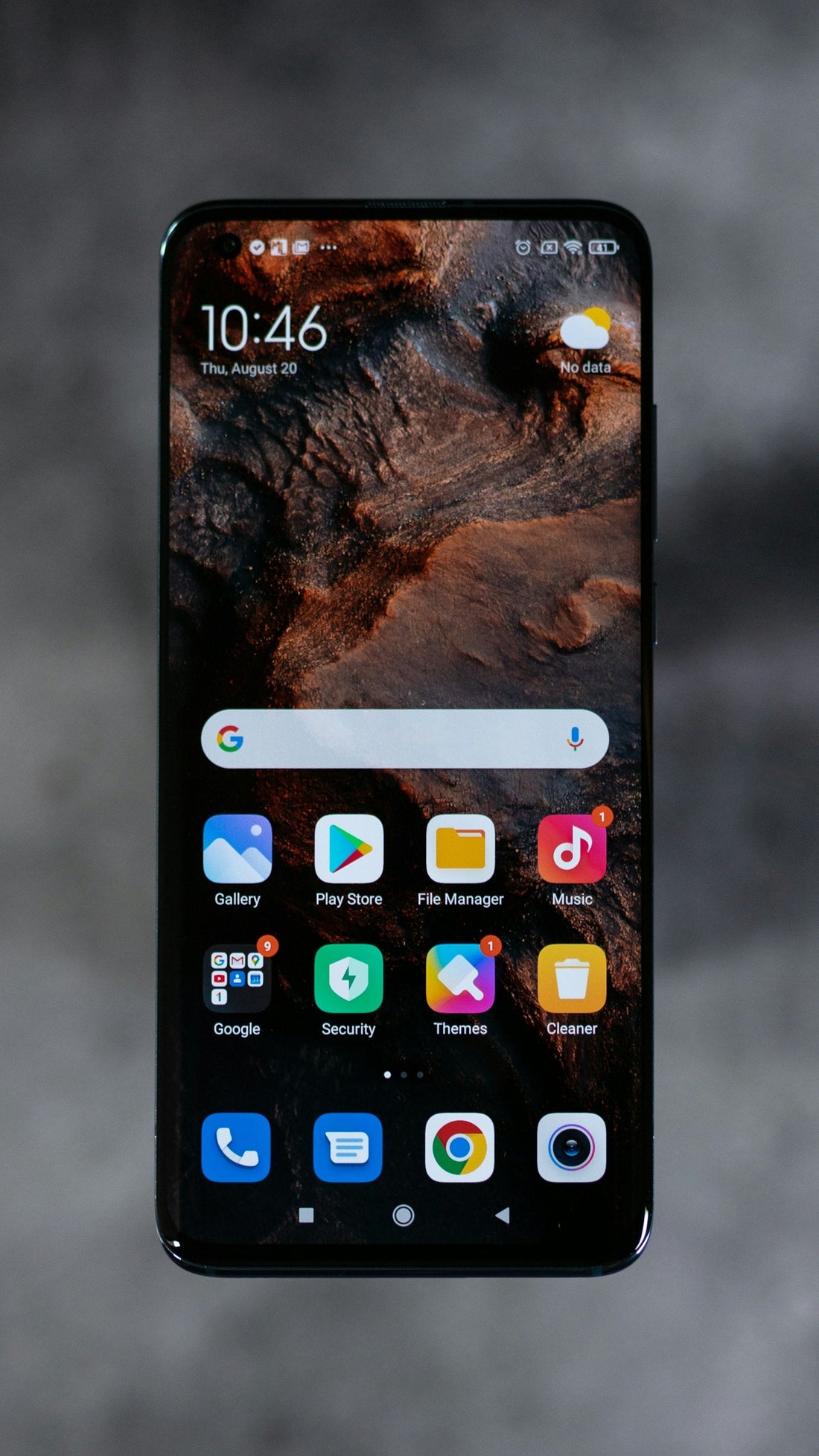
Quick answer: restart it, free up storage until you have at least 10–15% space, update the software and apps, and check battery health. Those four fix most slow phones.
- Restart it. Phones run for weeks without a restart. A restart clears memory and stuck processes.
- Free up storage. Phones slow down badly when storage is nearly full. Aim for at least 10–15% free. See storage almost full.
- Update the phone and all your apps. Updates fix bugs that cause lag.
- Find the problem app. If the phone is slow in one app only, update, clear its cache (Android: Settings → Apps → [app] → Storage → Clear cache) or reinstall it.
- Cut background activity. Turn off Background App Refresh (iPhone) or set rarely used apps to Restricted battery use (Android).
- Reduce home-screen widgets and live wallpapers, which refresh constantly.
- Check battery health. On iPhones a worn battery can trigger performance management that slows the phone to avoid shut-downs. See check battery health.
- Last resort – factory reset. Back up, then reset and set up as new, restoring only what you need. See factory reset safely.
Skip “cleaner” and “booster” apps. They often show ads, run in the background themselves and can make things worse.
Samsung extra: Device care
Open Settings → Device care (called Battery and device care on older versions) and tap Optimise now. You can also turn on Auto optimisation to restart the phone automatically once a day at night.
When it’s time for an upgrade
If your phone no longer gets software updates, apps you need stop supporting it, or it’s slow even after a reset with a healthy battery, it may be time to upgrade. We buy old phones for cash or credit towards a new or refurbished one – see sell your device.
 Walk in – no appointment
 Home visit in London
 Post it to us
 Explained
 Fix it yourself
 Fix it yourself