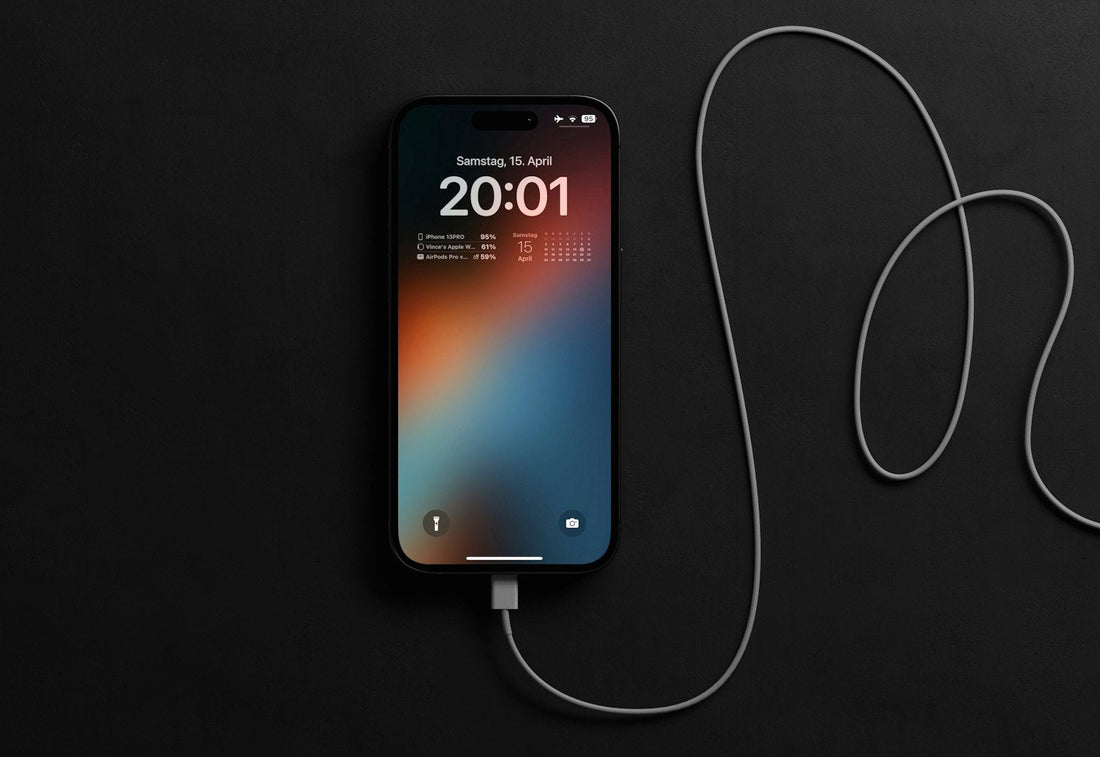
Quick answer: back up, plug in, connect to Wi-Fi and make sure you have a few gigabytes free, then install the update from your phone’s settings. Don’t switch off the phone while it’s updating.
Before you update
- Back up – how to back up.
- Charge to at least 50%, or keep it plugged in.
- Connect to reliable Wi-Fi.
- Free up space – big updates can need 5GB or more.
Where to find updates
iPhone
Settings → General → Software Update.
Samsung
Settings → Software update → Download and install.
Google Pixel
Settings → System → Software updates.
Update stuck or failing?
- Not enough space: free up storage and try again.
- Stuck on “preparing” or “verifying”: leave it on Wi-Fi and charge for an hour. Large updates are slow.
- Error message: restart the phone, then try again. On iPhone you can delete the downloaded update in Settings → General → iPhone Storage and download it fresh.
- Progress bar not moving for hours: force restart (how) and try again.
Stuck on the logo after an update?
See stuck on the logo or restarting. An iPhone can usually be updated again from a computer without losing data.
Is my phone still supported?
Manufacturers stop sending updates after a number of years. Without security updates, banking apps and others may stop working. If yours no longer gets updates, it may be time to trade it in.
 Walk in – no appointment
 Home visit in London
 Post it to us
 Explained
 Fix it yourself
 Fix it yourself