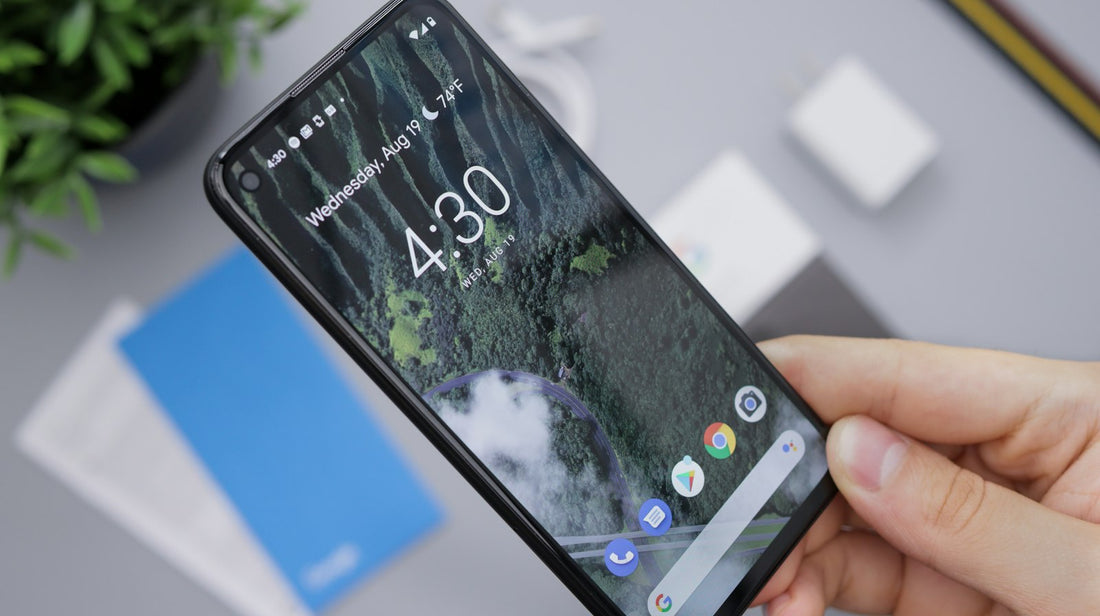
Quick answer: clean the screen, take off the case and screen protector, unplug the charger and force restart. If touch still fails in one area or the phone taps by itself, the screen’s touch layer is likely damaged.
Step by step
- Clean the screen with a dry microfibre cloth. Grease, water drops or cream on your fingers confuse the sensor.
- Remove the screen protector if it’s cracked, lifting or has bubbles at the edges – these can register as touches.
- Take the case off. A tight case pressing on the screen edge can cause ghost touches.
- Unplug the charger. Poor-quality chargers can cause jumpy or phantom touches while charging.
- Force restart the phone – see force restart guide.
- Update the phone and the app you were using.
- Test it: open a blank note and slowly drag a finger across the whole screen. Gaps in the line show dead zones.
Settings that can help
- Samsung: turn on Settings → Display → Touch sensitivity if you use a screen protector.
- Google Pixel: turn on Settings → Display → Screen protector mode (called Increase touch sensitivity on some versions).
- iPhone: check Settings → Accessibility → Touch → Touch Accommodations is off unless you set it up on purpose.
When it’s the screen
- One area never responds, even after a restart.
- The phone opens apps or types by itself.
- Problems started after a drop or a crack.
- The screen is lifting at an edge – this can be a swollen battery; read swollen battery signs.
Ghost touches can unlock settings or send messages on their own. If yours is doing this, back it up and turn it off until it’s repaired.
 Walk in – no appointment
 Home visit in London
 Post it to us
 Explained
 Fix it yourself
 Fix it yourself