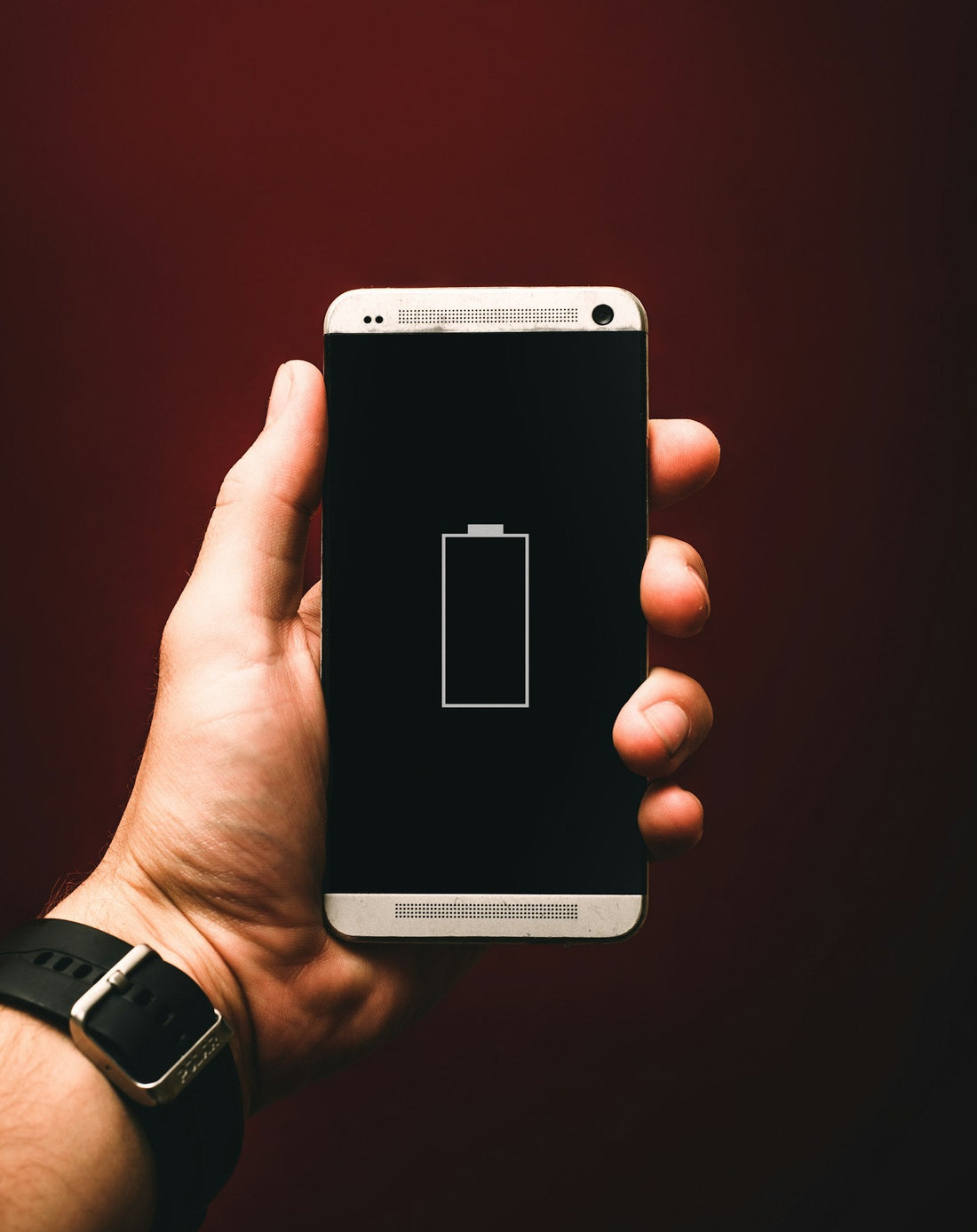
Quick answer: open your battery settings to see which apps use the most power, then turn down screen brightness, limit background activity for the worst apps and update your phone. If the battery health is below about 80%, a new battery is the real fix.
1. Find out what is using the battery
Your phone keeps a list of the apps that used the most battery over the last day or so. Start here – it often points straight at one app.
iPhone
Settings → Battery. Scroll down to the list of apps and tap Show Activity to see on-screen and background time.
Samsung
Settings → Battery (on older models Battery and device care → Battery), then view usage since the last full charge.
Google Pixel
Settings → Battery → Battery usage.
If one app uses far more than it should – especially in the background – update it, restrict its background activity, or delete and reinstall it.
2. Fix the biggest drains
- Screen brightness: the screen is usually the biggest single drain. Turn on automatic brightness and lower the slider.
- Background app activity: on iPhone, turn off Settings → General → Background App Refresh for apps that don’t need it. On Samsung and Pixel, set heavy apps to Restricted or Optimised in their battery settings.
- Location: set apps to use your location “While Using” rather than “Always”.
- Weak signal: a phone working hard to find signal drains fast. On the Underground or in poor-signal buildings, turn on Wi-Fi Calling or use Airplane Mode with Wi-Fi.
- Always-on display and live wallpapers: turn them off if you don’t need them.
3. Use the power-saving mode
Low Power Mode (iPhone), Power saving (Samsung) and Battery Saver (Pixel) reduce background activity and screen refresh rate. They’re ideal for long days away from a charger.
4. Update and restart
Software updates often include battery fixes. Install the latest update, then restart the phone. Note that for the first day or two after a big update, the phone re-indexes photos and files in the background – battery life usually settles after that.
5. Check the battery’s health
Batteries wear out. After a few hundred full charges they hold noticeably less. If your battery health is around 80% or lower, or the phone switches off with charge left, no setting will bring the old battery life back. Here’s how to check your battery health.
If the battery drains fast and the phone gets hot, the screen lifts at an edge, or the back bulges, stop charging it and read swollen battery warning signs.
Habits that help
- Avoid leaving the phone in hot places like a car dashboard.
- Use the built-in charging optimisation so it doesn’t sit at 100% all night.
- Don’t worry about letting it hit 0% occasionally – but don’t store it flat for weeks.
 Walk in – no appointment
 Home visit in London
 Post it to us
 Explained
 Fix it yourself
 Fix it yourself